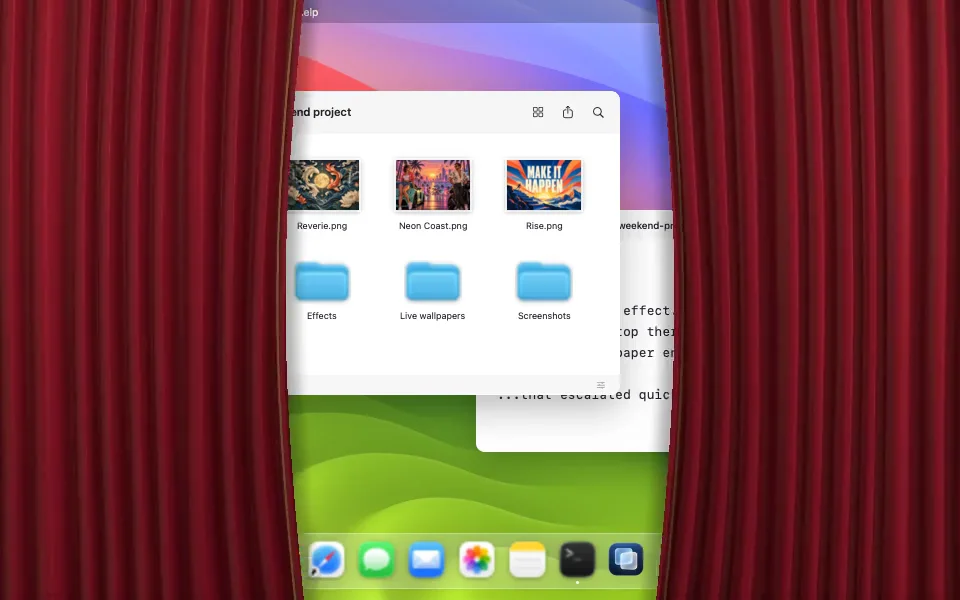
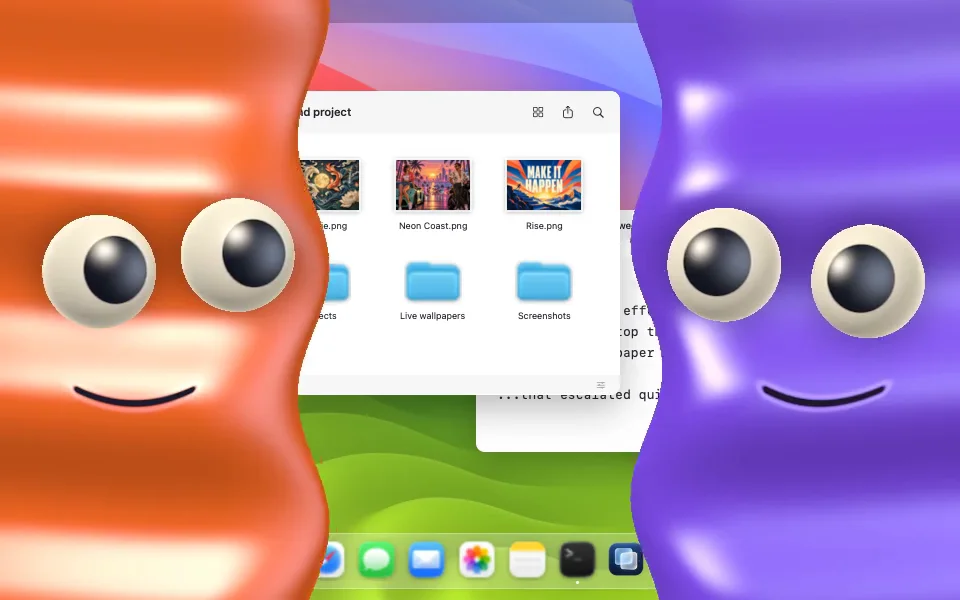
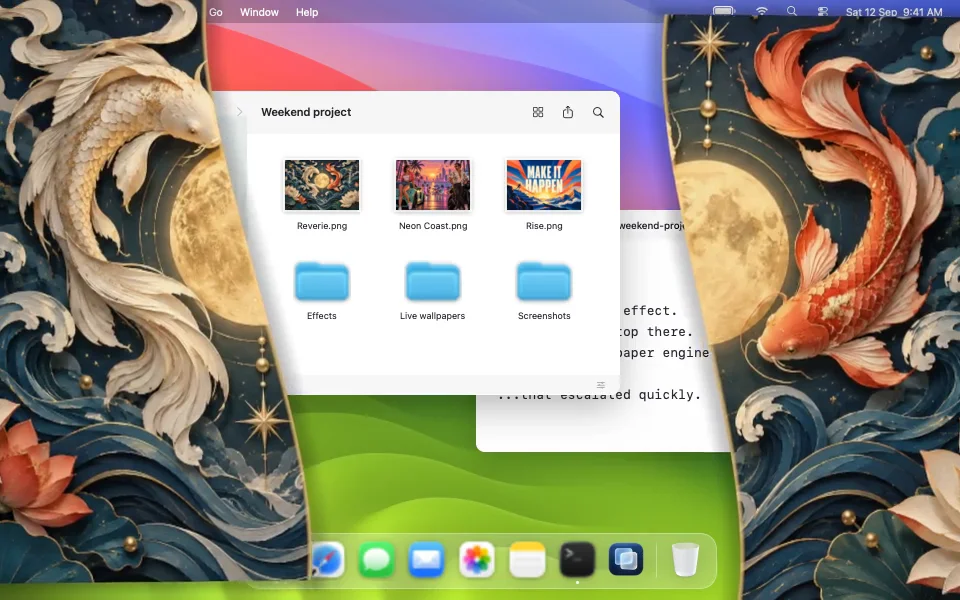
Native wallpaper recordings with sample data. Lid movement and covers are an interactive illustration.
Follows your MacBook lid13 effects. 10 little worlds.Make it your ownSwiftUI, AppKit & Metal
From the hinge to the screen
Your lid sets the pace.
Close a little and the effect moves a little. Open back up and it reverses. On a MacBook with a readable lid-angle sensor, the position of the lid controls how far the effect has progressed.
A Mac app with animations that follow your lid and live wallpapers for your desktop. See where it started, choose a look, then watch it on a real MacBook.
The full film plays the complete recordings at 1.5×. Individual clips play at their original speed. Press play for sound; HDR is available on compatible screens.
The whole collection
Every mood. Every preview.
All 13 lid effects and 10 live wallpapers. Find your desktop personality.
01 / 23
Motion & 3D
Curtains
Velvet folds and stage lighting. A curtain call for your tabs.
App render · Demo desktop
Choose a scene, then press Preview to play. Wallpaper recordings show sample data.
Closing time has character.
Curtains, curious faces, and a little moonlit escape. Choose what happens when your lid comes down.
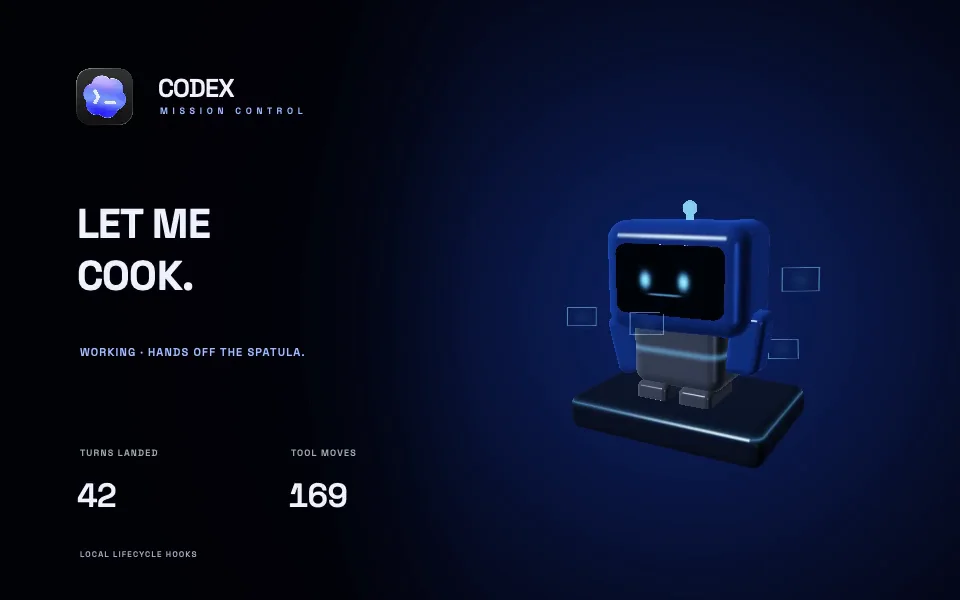
A little robot responds to working, waiting, and completed hook states.
App render · Sample data
Hooks & live data
Give the scene something to react to.
A coding session can change a character’s mood. A public forecast can change the sky. The engine feeds those inputs to the wallpaper’s motion, colours, and text.
Local events
See what Codex is waiting for.
Codex Mission Control follows lifecycle hooks: starting work, using tools, asking for approval, finishing a turn, or being interrupted. The robot’s expression and status follow along.
Codex events and wallpaper states
Codex event
Wallpaper state
Submit a prompt or run a tool
Working
Request permission
Needs you
Complete a turn
Finished
Interrupt the turn
Interrupted
The active feed reads local hook records once a second. Records keep event metadata and counters; prompts, commands, and responses are discarded.
A small adapter can turn a public API response into the engine’s JSON snapshot format. Supply an updating local file or an HTTPS snapshot endpoint, then bind its values to your template. A raw API URL needs that translation unless it already returns the snapshot format.
Local snapshot files are read once a second; the standard HTTPS connector polls every five seconds. Your adapter controls upstream refreshes and API rate limits.
Under the hood
Swift for the app. Metal for the motion.
UnfoldMyMac is written in Swift 6 for macOS 26 and later. SwiftUI handles the interface, AppKit places the desktop windows, and Metal renders the live wallpapers and shader effects on the GPU.
Work shared across the renderer
Metal scenes use one GPU device and command queue. Shader libraries and render pipelines are cached across the app, so changing a scene can reuse work already done. The renderer prefers precompiled shaders when they’re available.
Frames timed to the display
The wallpaper renderer uses Apple’s CAMetalDisplayLink to schedule frames for presentation. Choose a 30 or 60 fps limit; macOS power and accessibility settings can lower it automatically.
A limit on the pixels, too
Wallpaper rendering is capped at 1,920 pixels on the longest edge before scaling to the display. Each Metal surface allows at most three frames in flight, keeping queued GPU work bounded.
Wallpaper frame limits
Mac state
Frame limit
Normal playbackYour choice in settings
30 or 60fps
Low Power ModeAlso during serious or critical thermal pressure
30fps maximum
Reduce MotionContinuous animation is still
1update / second
Mac or display asleepRendering and data sampling stop
Paused
Playback also pauses when you switch to another user’s session.
The Frost effect
Your desktop becomes the texture.
Frost uses ScreenCaptureKit to receive desktop frames in memory. Core Video exposes those frames as Metal textures without copying the pixels. Screen Recording permission is needed for Frost; the other lid effects work without it.
Then came curtains. Then characters. Then a small robot had opinions about a coding session. This is what happens when a side project finds the lid sensor.
The renderer, data connections, and template format are in place. Now I want to see the scenes other people would put on their desktops.
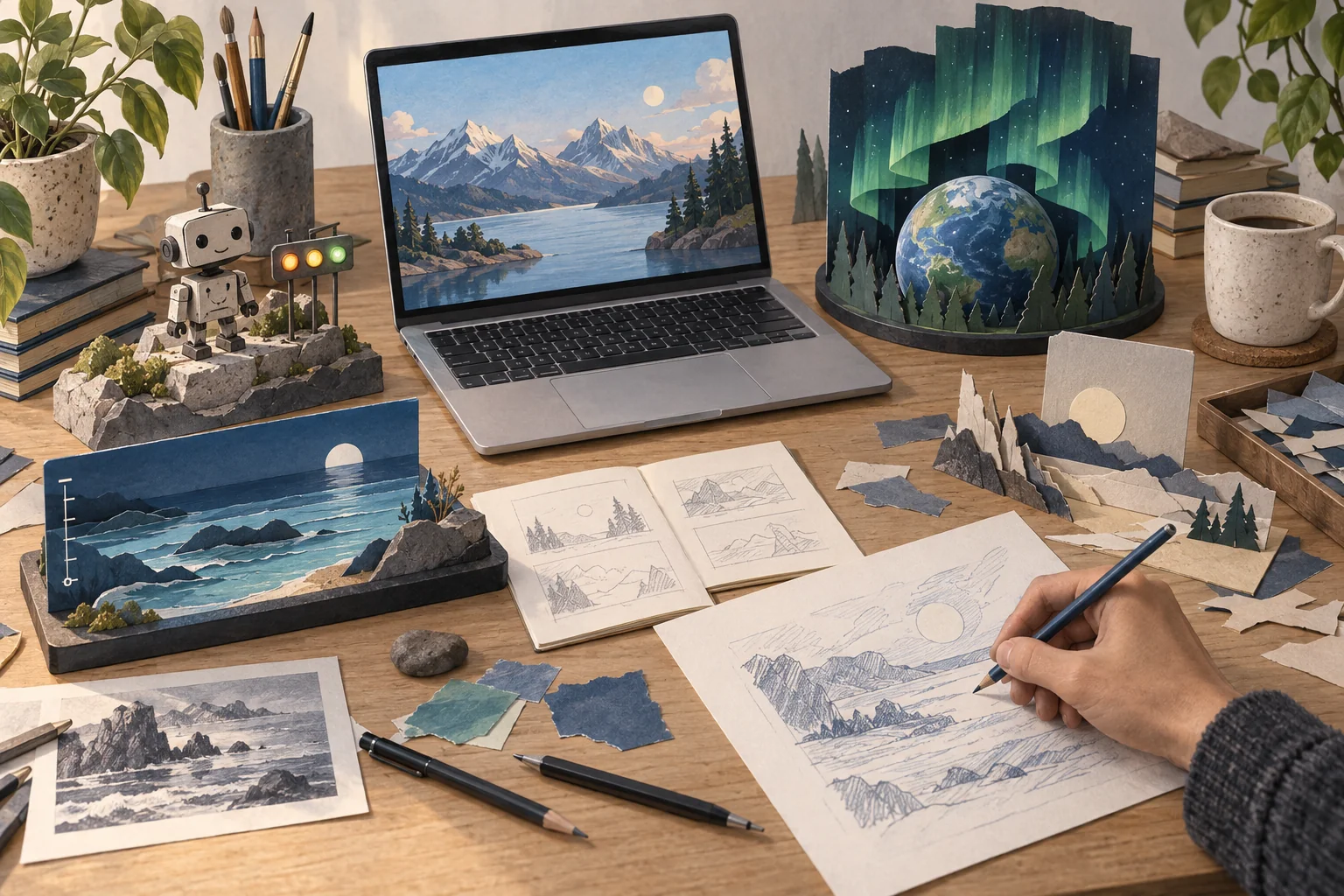
Try a harbour that follows the tide, a greenhouse driven by weather data, or a character with its own reaction when Codex finishes a turn. These are ideas to build on.
Pitch something stranger, too. Share a sketch, the data it would use, and what should move. A rough drawing is enough to start a conversation.
A few directions to explore · Concept illustration
Remix a template
Use an installed scene and change its colours, text layers, or data bindings in JSON. Import the template to try it on your Mac.
Draw a new scene
Contribute a template folder with its own Metal shader to the repo. The engine supplies timing, data, and display handling.
Bring a useful feed
Write an adapter or a native provider for another data source. Include sample data so people can try the scene before connecting it.
Implementation and setup details are in the wallpaper engine guide. Start with an idea in the issue tracker, or send a pull request with a working scene.
Lid control needs a readable angle sensor, and support varies by MacBook model. The app requires macOS 26 or later. Check the requirements before installing.
What about an external display?
Lid effects stay on the MacBook’s built-in display. Live wallpapers can run across your displays, including external monitors.
Can I add my own artwork?
Import an image and try the Sculpted, Diagonal, Slide, or Burst reveal. The app keeps a local copy. You can also build a wallpaper template using the extension guide.
 UnfoldMyMac


 02:30 · Sound on